Installing Intel Realsense D435i Camera Software
To install the software, you will mostly follow the Realsense Ubuntu Installation Guide. Make sure you read thoroughly as to not miss any steps.
Once everything is installed, type realsense-viewer into a new terminal. A window should pop up.
Then, on the left, turn on Stereo Module, RGB Camera, and Motion Module. Output should look like this: 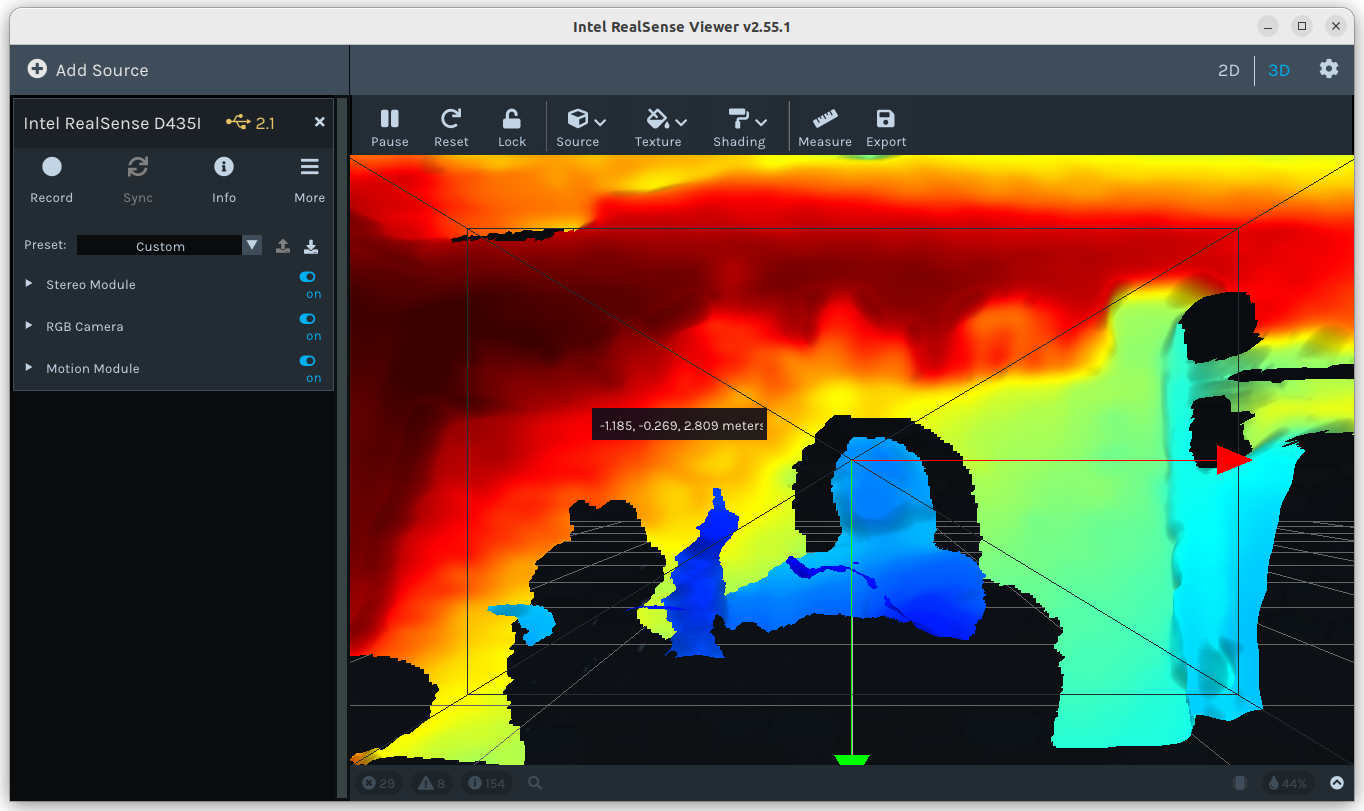
Author: Aiden Kimmerling (https://github.com/TheKing349)