Installing Intel RealSense D435i Camera Software
Setup
To install librealsense2, follow the instructions on this website
Setup Steps
All information taken from the JetsonHacks librealsense repository, authored by the creators of the guide linked above in the Setup section.
-
First, clone the JetsonHacks repository for librealsense2.
git clone https://github.com/jetsonhacks/jetson-orin-librealsense - Then, cd into
jetson-orin-realsense - Once in the
jetson-orin-realsensedirectory, follow the instructions in the README in the JetsonHacks librealsense repository
Once finished with the instructions in the JetsonHacks librealsense repository, make sure your realsense-viewer application is working and on. Then, on the left, turn on Stereo Module, RGB Camera, and Motion Module. Output should look like this: 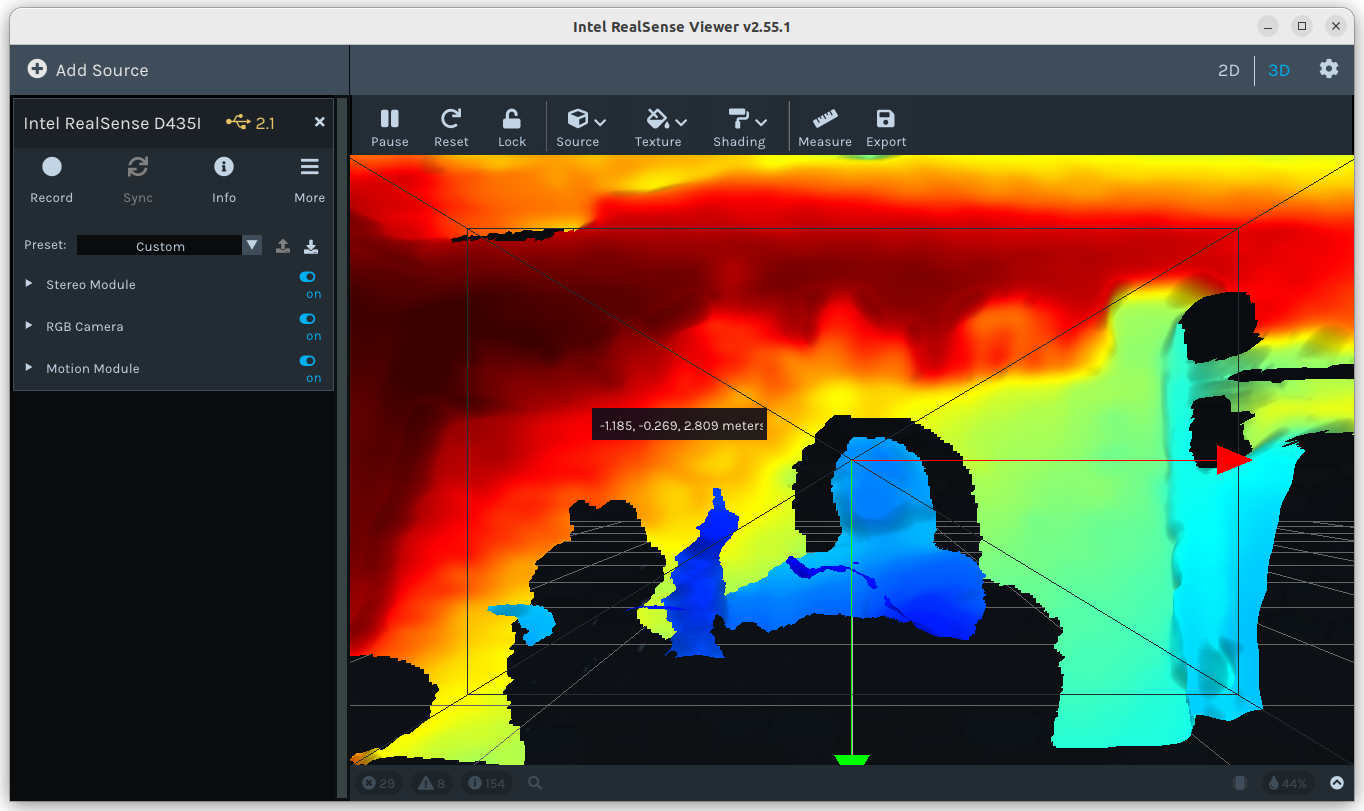
Author: Caleb Hans (https://github.com/caleb-hansolo)